Compress Video
Compress videos on your Android phone to an exact file size or quality level. Handles 4K and long recordings, and nothing is ever uploaded.
Get it on Google PlayOpens the official store listing.Videos are compressed on your phone and never uploaded. Read the privacy policy for this app.
Take it with you.
Scan the code with your phone to open the official Google Play listing.
Get it onGoogle PlayWhat is Compress Video?
Compress Video is an Android app that makes large videos small enough to share, send or store. You pick a video, choose how small it should be, either an exact file size or a quality level, and the compressed copy is saved straight to your gallery.
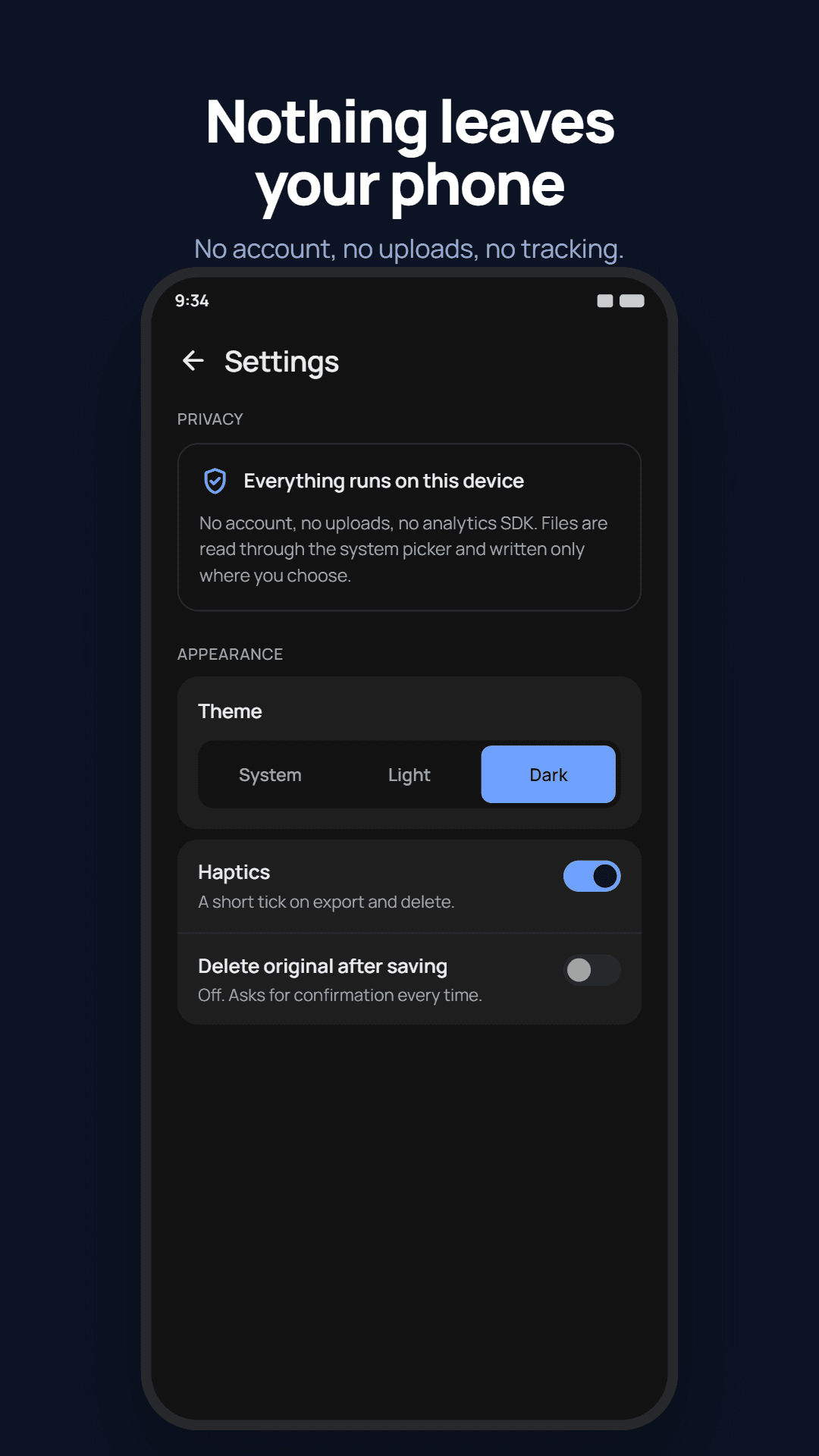
Every video is compressed on the phone itself. Nothing is uploaded, there is no account to create, and compression does not need an internet connection.
What Compress Video does
Compress to a target size
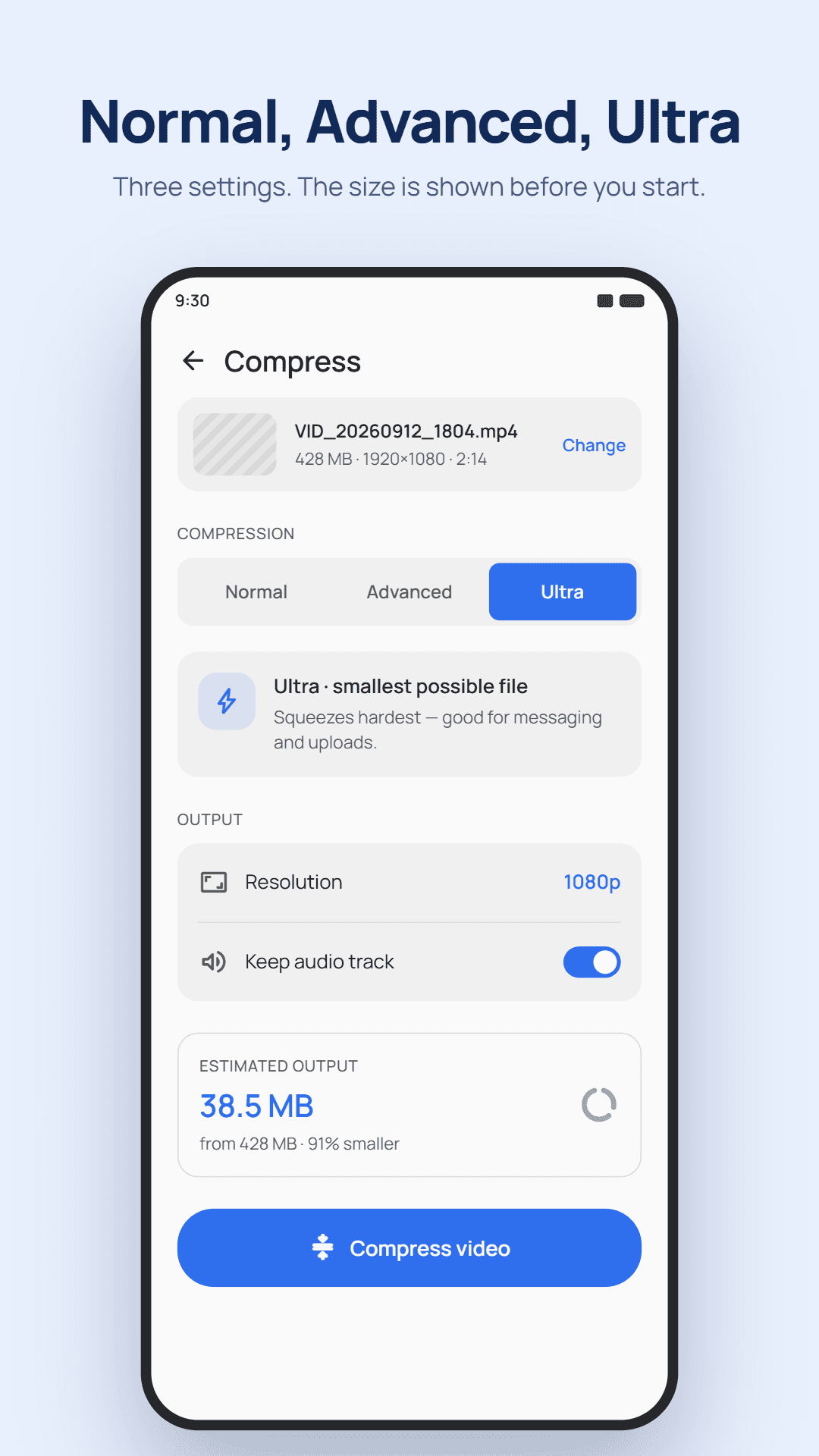
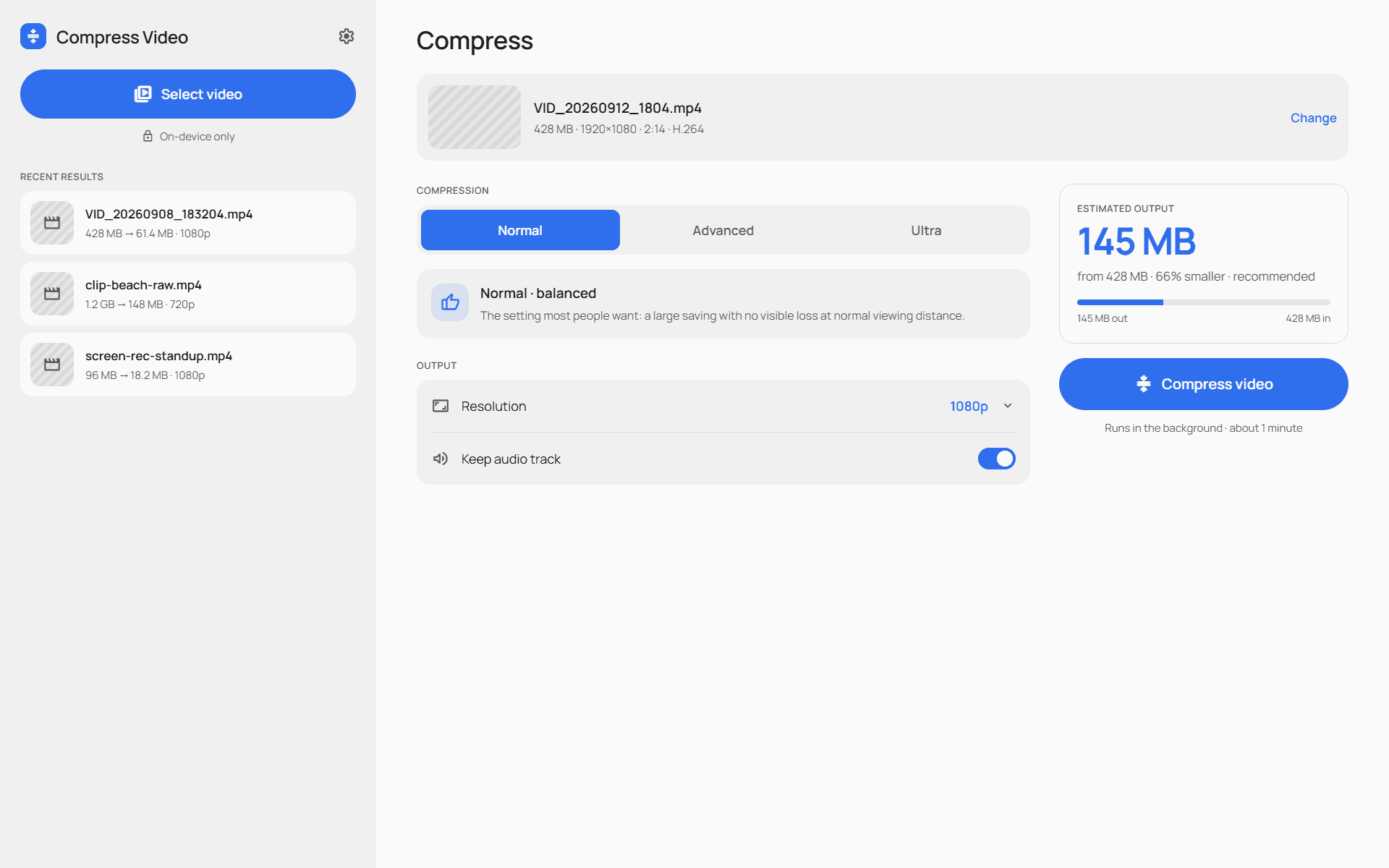
Pick Smaller, Balanced or Better, or type an exact size in MB. The app works out what each video can reach, and tells you when it cannot go any smaller.
Or compress by quality
Set a quality level and let the file size follow. Simple footage such as screen recordings usually comes out far smaller than the estimate.
Know before you start
See the estimated file size, and how long compression will take, before you commit to it.
Three compression levels
Normal is the fastest and plays on any device. Advanced makes smaller files at the same quality and plays on most devices. Ultra makes the smallest files, more slowly, on phones with 6 GB of memory or more.
Made for big videos
Long recordings and large files, including 4K, are what the app is built for. Keep the original resolution or step down to 1440p, 1080p, 720p or 480p. Videos are never upscaled.
Keeps going in the background
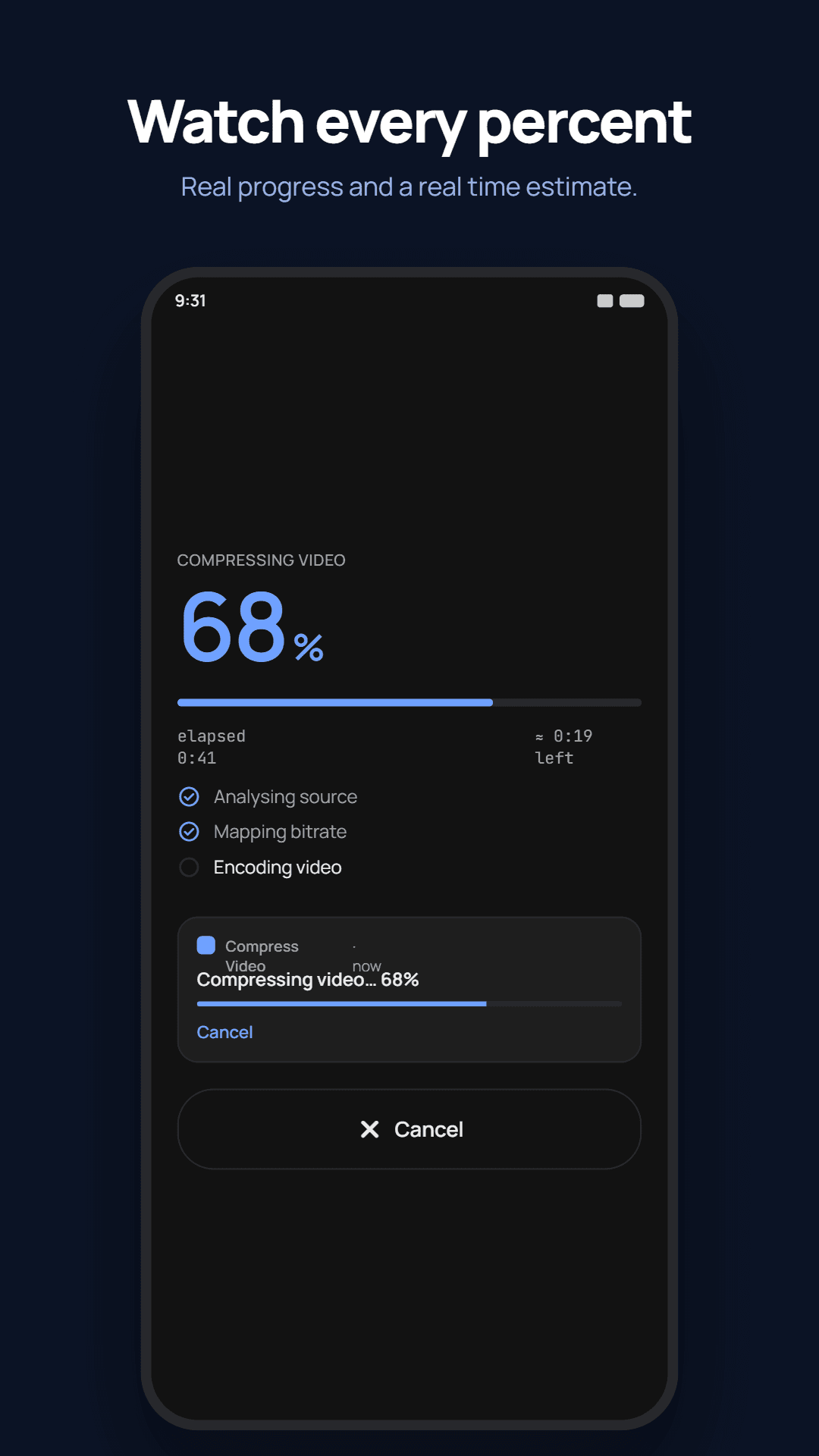
Compression carries on when you leave the app or lock your phone, with a progress notification showing the time left and a Cancel button.
Audio and HDR handled
Keep the audio track or remove it. HDR videos are converted so they look right on every screen.
Your original is never touched
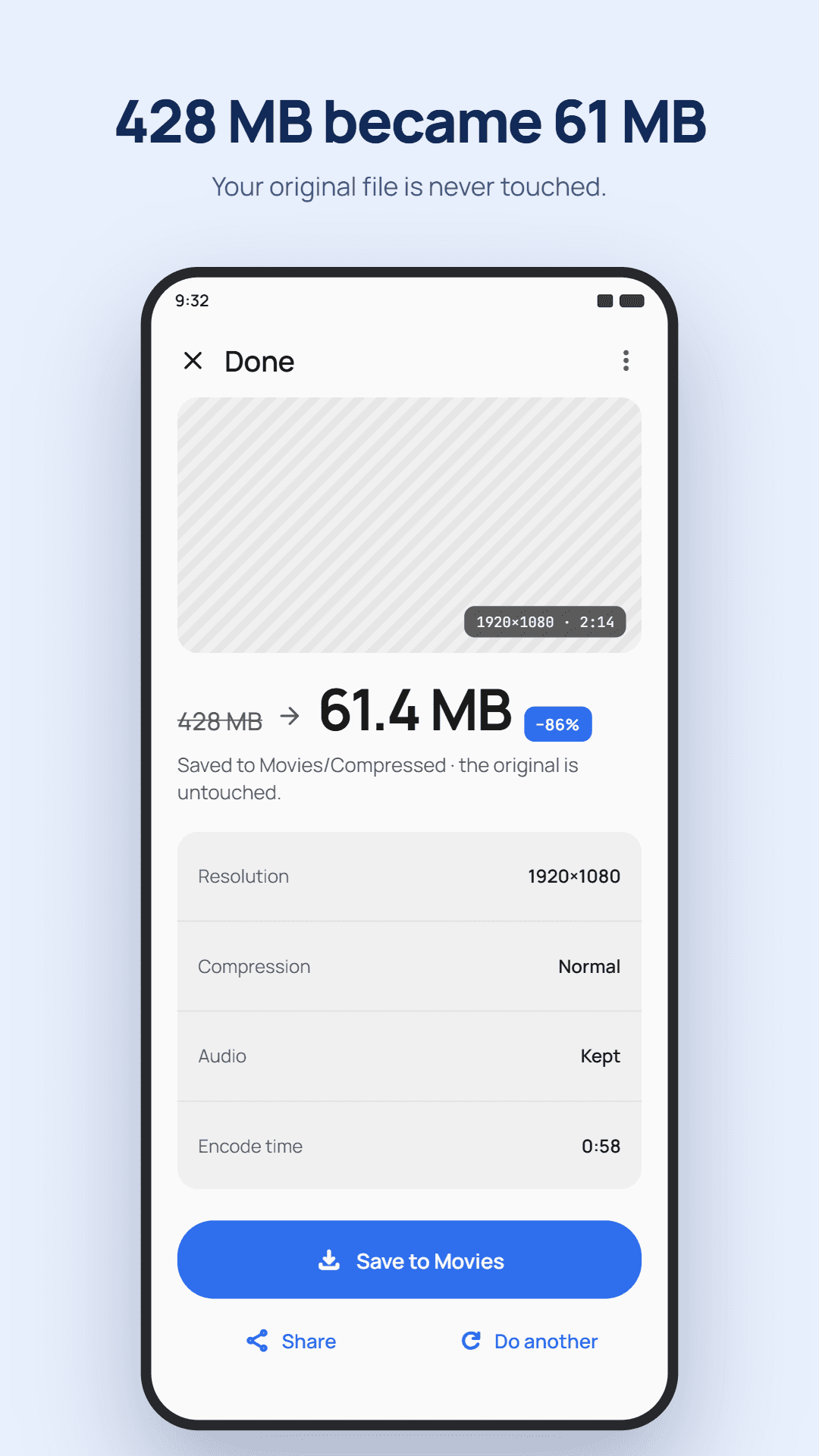
Compressed videos are saved as new files in Movies/Compressed by default, or any folder you choose, including an SD card or a cloud drive. The original stays exactly as it was.
A look inside Compress Video
How to compress a video
Pick a video
Choose a video with Android's own picker, or share one into Compress Video from another app.
Choose how small
Pick a target size or a quality level, and optionally a lower resolution or no audio. The estimated size and time are shown before you start.
Compress
Start compression and carry on using your phone. A notification shows progress and lets you cancel.
Save or share
The compressed video appears in your gallery right away, ready to send to any app.
Who Compress Video is for
Sending over messaging apps
Get a video under the size limit of a chat or email app without cutting it short.
Freeing up storage
Shrink long 4K recordings that take up more space than they need to.
Screen recordings
Simple footage like tutorials and app demos compresses especially well.
Private footage
Make videos smaller without handing them to an online compression service.
Compress Video at a glance
- Platform
- Android
- Compress by
- Target size (presets or exact MB) or quality level
- Compression levels
- Normal, Advanced and Ultra (Ultra needs 6 GB of memory or more)
- Resolution
- Original, 1440p, 1080p, 720p or 480p. Never upscaled.
- Audio
- Keep or remove
- Saves to
- Movies/Compressed by default, or any folder you choose
- Connection
- Not needed. Compression runs on your phone.
- Account
- Not required
- Price
- Free, with ads. A one-time purchase removes all ads.
Frequently asked questions
How do I make a video smaller on Android?
Open Compress Video, pick the video, and choose either a target size or a quality level. Check the estimated size, tap to start, and the smaller copy is saved to your gallery when it finishes.
Can I compress a video to an exact size?
Yes. Type the size you need in MB and the app works out how to reach it. If a video cannot go that small, it tells you before you start.
Are my videos uploaded?
No. Every video is compressed on your phone and never leaves it. The app does not need an internet connection to compress.
Does it change my original video?
No. The compressed video is saved as a new file and the original is left exactly as it was. If you would rather free up the space, an optional setting deletes the original after saving, and it asks for confirmation every time.
Can it compress 4K and long videos?
Yes. It is made for large files and long recordings, including 4K. Compression keeps running in the background, so you can use your phone while it works.
What is the difference between Normal, Advanced and Ultra?
Normal is the fastest and plays on any device. Advanced gives smaller files at the same quality and plays on most devices. Ultra gives the smallest files but is much slower, and needs a phone with 6 GB of memory or more.
Is Compress Video free?
Yes. It is free and shows ads. Ultra compression is unlocked by watching a short ad. A one-time purchase removes all ads for good, and can be restored on a new phone.
Smaller videos, without giving them away.
Get it on Google PlayMore from AfterMango
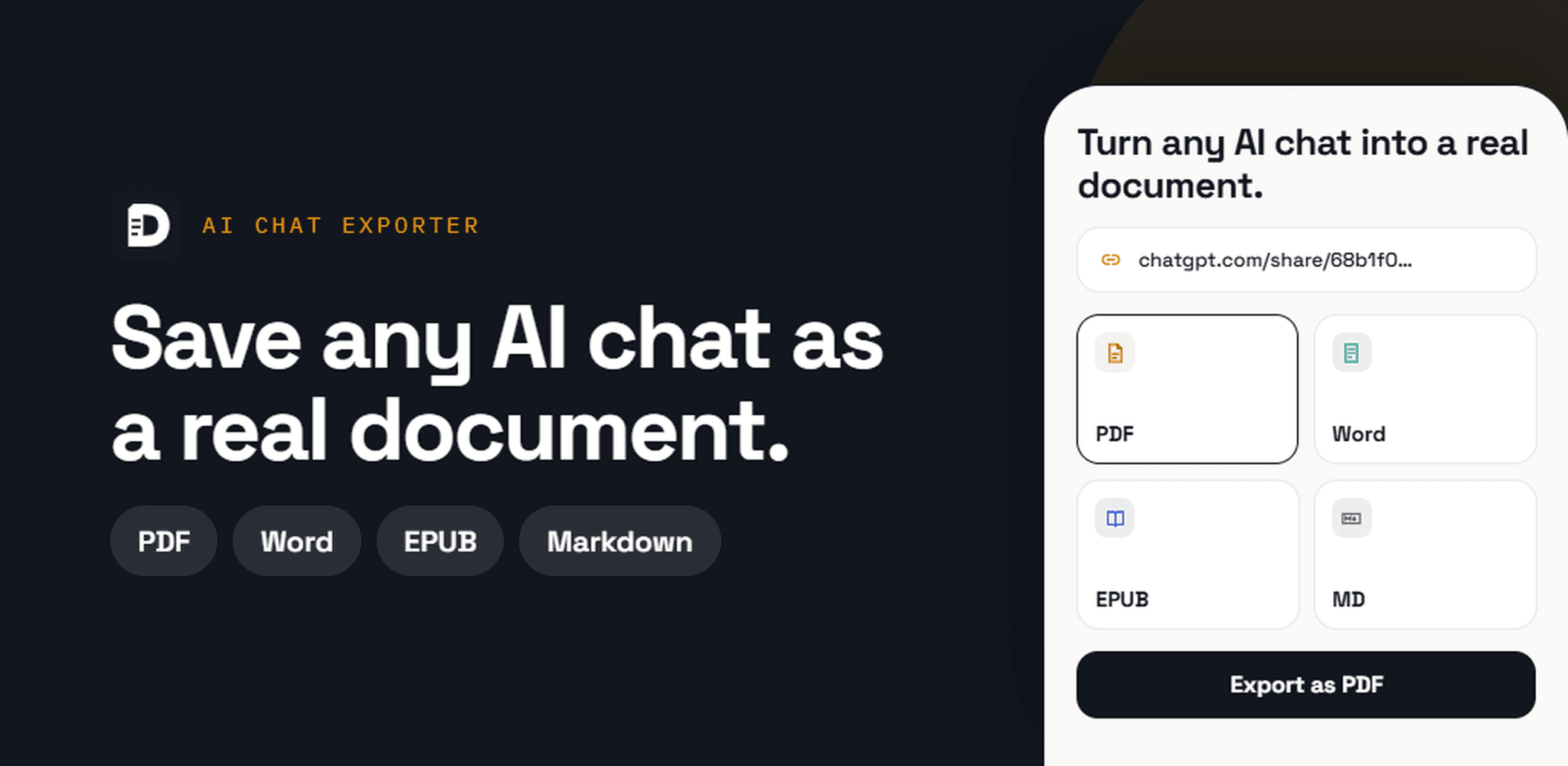
AI Chat Exporter
Turn ChatGPT, Claude and Gemini chats into PDF, Word or Markdown on your phone.
Learn more→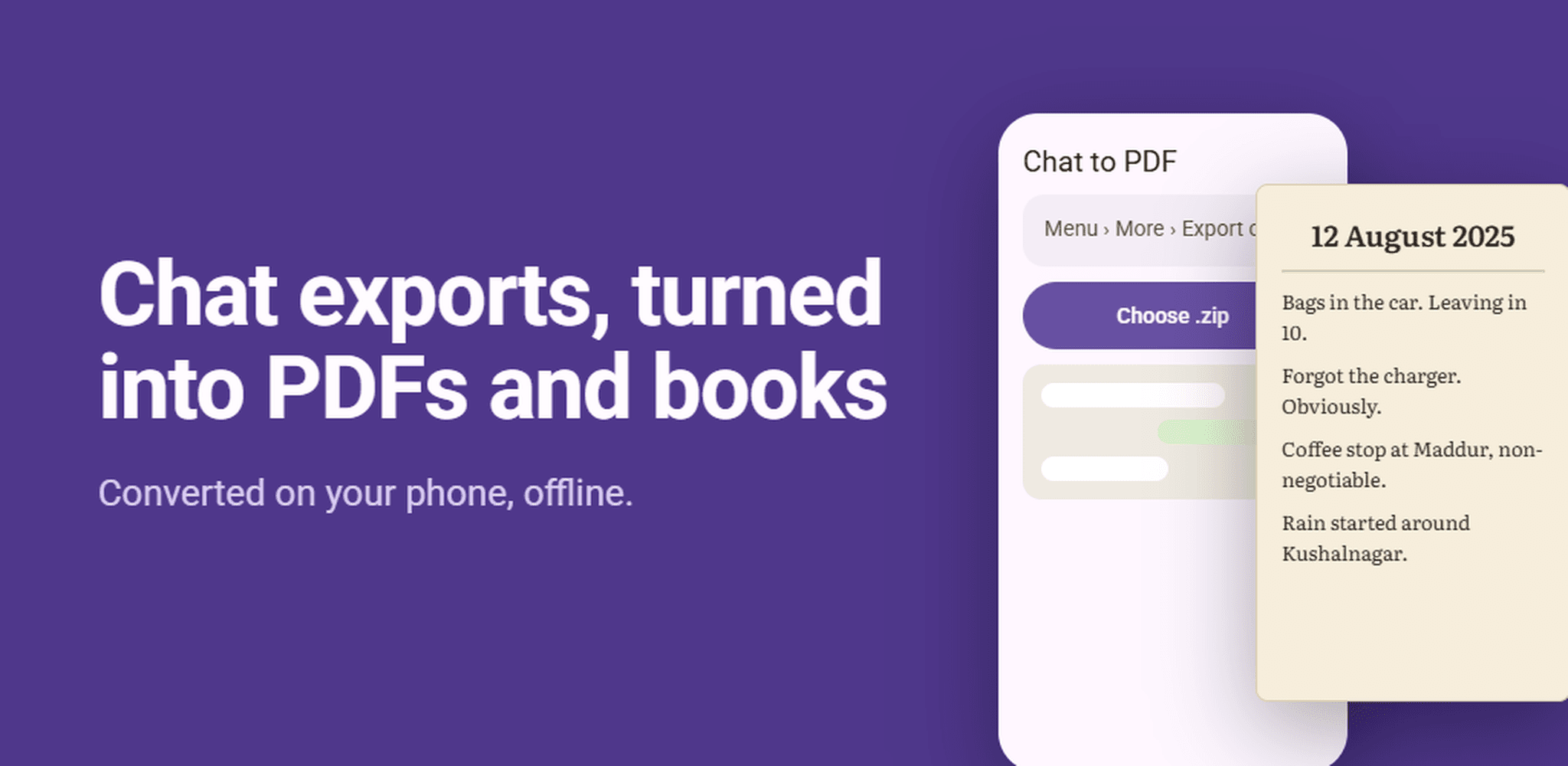
Chat to PDF
Save WhatsApp chats as a PDF or EPUB book, right on your phone.
Learn more→
Markdown Studio
Read and write Markdown, EPUB and PDF files on your phone, with no ads.
Learn more→
Markdown Room
Read and write Markdown, EPUB, and PDF files in one private workspace.
Learn more→