Chat to PDF
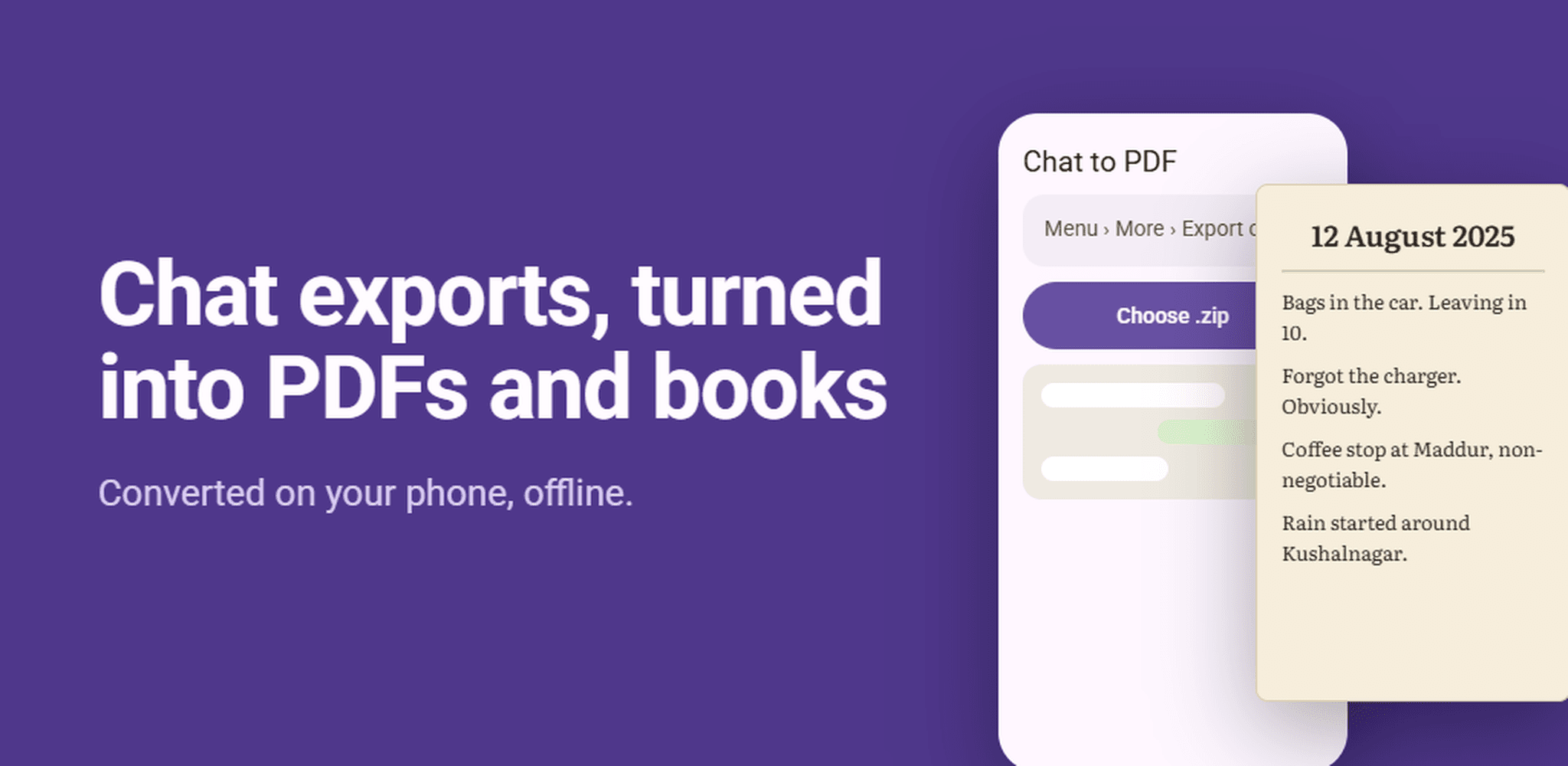
Save WhatsApp chats as a PDF or EPUB book on your Android phone. Choose from eight document styles, keep photos inline, and convert entirely offline.
Get it on Google PlayOpens the official store listing.No account or email address needed to use the app. Read the privacy policy for this app.
Take it with you.
Scan the code with your phone to open the official Google Play listing.
Get it onGoogle PlayWhat is Chat to PDF?
Chat to PDF is an Android app that turns a WhatsApp chat export into a clean, readable PDF or EPUB book. You export the chat from WhatsApp, share it to Chat to PDF, pick a style, and the finished document is saved to your Downloads folder, ready to open, print or send.
Everything happens on your phone. There is no account to create and no server to upload to, and the app works with no internet connection at all.
What Chat to PDF does
PDF or EPUB
Make a PDF to print, email or file away, or an EPUB to read a long conversation from start to finish like a book.
Eight document styles
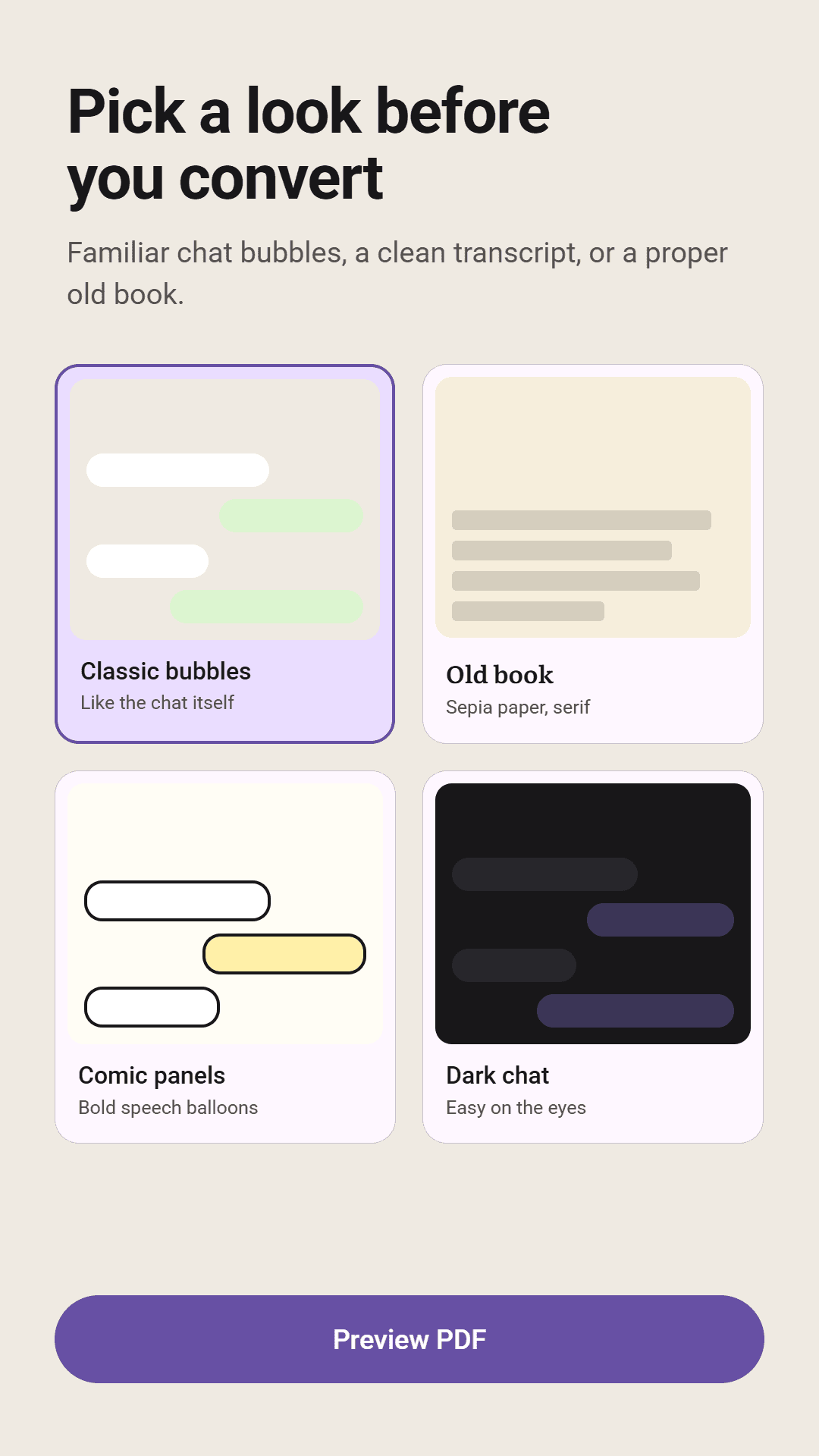
Chat bubbles, minimal, transcript, dark, comic, old book, modern reader and night reader. Pro unlocks every style.
A layout that looks like the chat
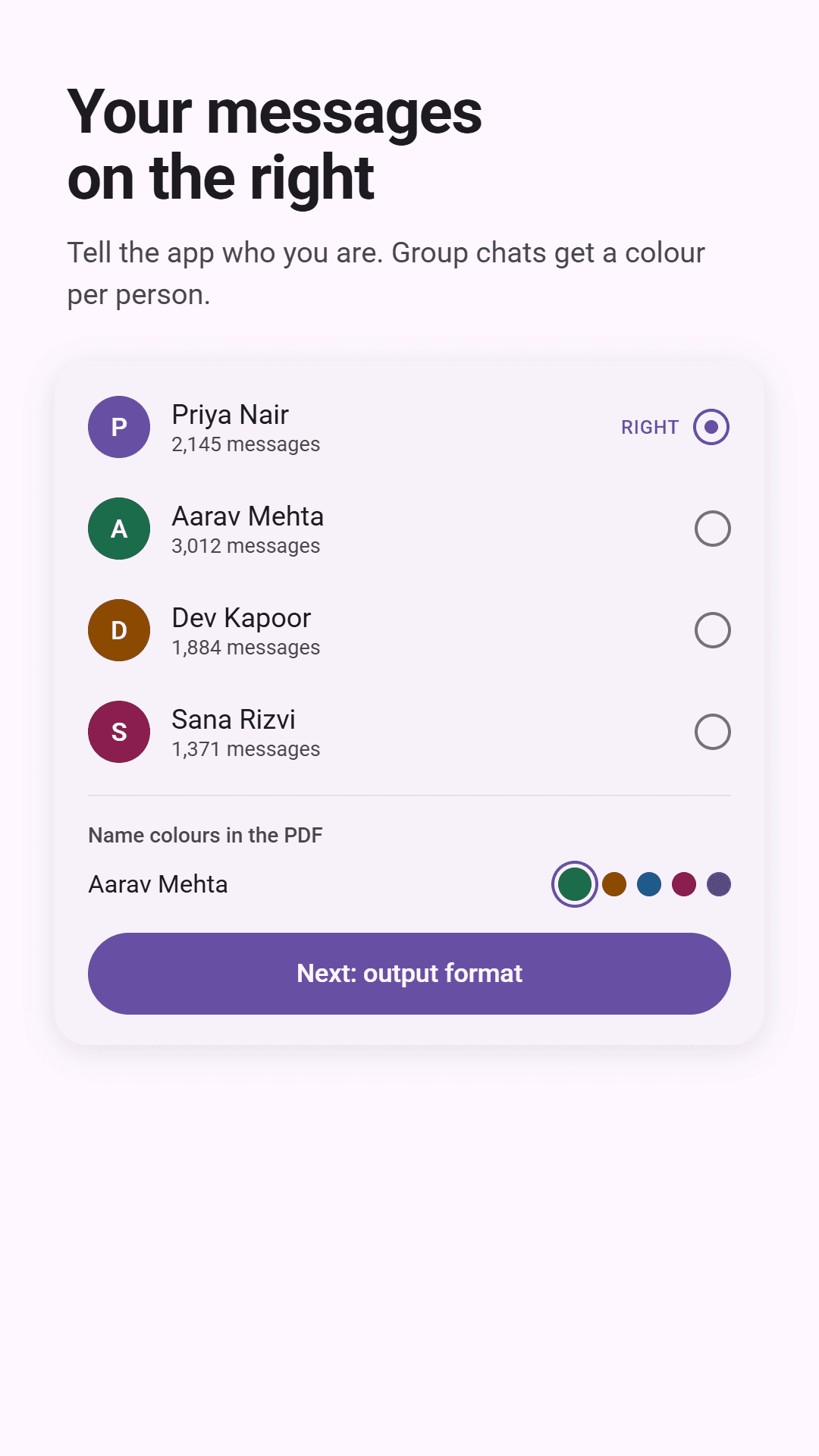
Your own messages sit on the right in real bubbles, as they do in WhatsApp. Every sender gets their own colour, and you can change them.
Photos included, or left out
Embed photos inline alongside the messages they belong to, or leave them out for a much smaller text-only file.
Choose a date range
Convert only the messages from the dates you pick, rather than a chat's entire history.
Preview before you convert
See how the document will look before you commit to it, so you are not converting a large chat twice.
Built for very large chats
Years-long group chats with thousands of photos are the hard case, and the app is designed to handle them.
Your recent conversions
Reopen or share anything you have already made from a list inside the app, in light or dark theme.
A look inside Chat to PDF
How to save a WhatsApp chat as a PDF
Export the chat from WhatsApp
Open the chat in WhatsApp, tap the ⋮ menu, then More, then Export chat.
Share it to Chat to PDF
Choose Include media or Without media, then share the .zip file to Chat to PDF, or open it from inside the app.
Choose who you are and a style
Tell the app which participant you are, so your messages sit on the right, then choose a document style.
Convert
Tap Convert. The finished PDF or EPUB is saved to your Downloads folder, ready to open or share with any app.
Who Chat to PDF is for
Before deleting a chat
Keep a permanent copy of a conversation before you clear it from your phone.
Records on paper
Print a clear transcript of a conversation when you need a record for work, insurance or legal purposes.
Group chats as books
Turn a long-running group chat into an EPUB you can read from the beginning.
Moving to a new phone
Archive the messages from an old phone before you move on from it.
Conversations that matter
Hold on to a conversation with someone important, in a form that does not depend on any app.
Chat to PDF at a glance
- Platform
- Android
- Reads
- WhatsApp chat exports (.zip)
- Output formats
- PDF, EPUB
- Document styles
- Eight, all included with Pro
- Photos
- Embedded inline, or text-only
- Connection
- Works completely offline
- Account
- Not required
- Saves to
- Your Downloads folder
- Date range
- Convert the whole chat or only the dates you choose
- Price
- Free, with ads. A one-time Pro purchase unlocks every style and removes ads.
Frequently asked questions
How do I save a WhatsApp chat as a PDF?
In WhatsApp, open the chat and tap ⋮, then More, then Export chat. Share the exported .zip file to Chat to PDF, choose which participant you are and a style, and tap Convert. The PDF is saved to your Downloads folder.
Can I include the photos from the chat?
Yes. Export the chat with Include media and photos are embedded inline. Including photos in a free conversion asks you to watch a short ad first. Pro removes that.
Does Chat to PDF upload my chats?
No. Chats are read, converted and saved on your phone. There is no server to upload to and no account, and the app works offline.
Does it read my WhatsApp messages directly?
No. It only reads the export file that you create in WhatsApp and choose to share with it.
Can it handle very long group chats?
Yes. It is built for years-long group chats with thousands of photos. For the smallest possible file, convert without photos.
Can I convert only part of a chat?
Yes. Choose a date range and only the messages from those dates are converted.
What is the difference between free and Pro?
Converting a chat is free. Pro is a one-time purchase, not a subscription, that unlocks every document style and removes all ads.
Is Chat to PDF made by WhatsApp?
No. It is an independent app and is not affiliated with, endorsed by or sponsored by WhatsApp LLC or Meta Platforms, Inc.
Keep the conversations that matter.
Get it on Google PlayMore from AfterMango
AI Chat Exporter
Turn ChatGPT, Claude and Gemini chats into PDF, Word or Markdown on your phone.
Learn more→
Markdown Studio
Read and write Markdown, EPUB and PDF files on your phone, with no ads.
Learn more→
Compress Video
Make large videos small enough to share, send or store, without uploading them.
Learn more→
Markdown Room
Read and write Markdown, EPUB, and PDF files in one private workspace.
Learn more→