Markdown Studio
Read and write Markdown, EPUB and PDF files on Android in one quiet app. No ads, no account, and nothing you open is ever uploaded.
Get it on Google PlayOpens the official store listing.No account, no ads, and nothing you open or edit is uploaded. Read the privacy policy for this app.
Take it with you.
Scan the code with your phone to open the official Google Play listing.
Get it onGoogle PlayWhat is Markdown Studio?
Markdown Studio is an Android app for reading and writing the documents already on your phone. Markdown notes, EPUB books and PDFs open in one app, with no advertising, nothing to sign up for and nothing uploaded.
Point it at the folders you already use and it shows what is in them. Files are not copied into a private library or moved anywhere else. They stay exactly where they are, and your edits are saved straight back to them.
What Markdown Studio does
Markdown, rendered properly
GitHub-flavoured Markdown with headings, tables, task lists, footnotes, block quotes, links and images. Code blocks are coloured by language, maths is typeset as real equations, and a contents panel jumps between headings in long documents.
Especially good with AI chat exports
Notes saved from AI chat tools often arrive with equations mangled into a tangle of symbols and source text. Markdown Studio repairs the common cases so they render as the formula they were meant to be, and emoji, arrows and symbols display as they did originally.
An editor that keeps the Markdown visible
Headings look like headings and bold looks bold as you type, while every #, * and ` stays on screen. A toolbar handles formatting, changes save automatically, and if another app edits the same file, Markdown Studio asks which version to keep instead of overwriting it.
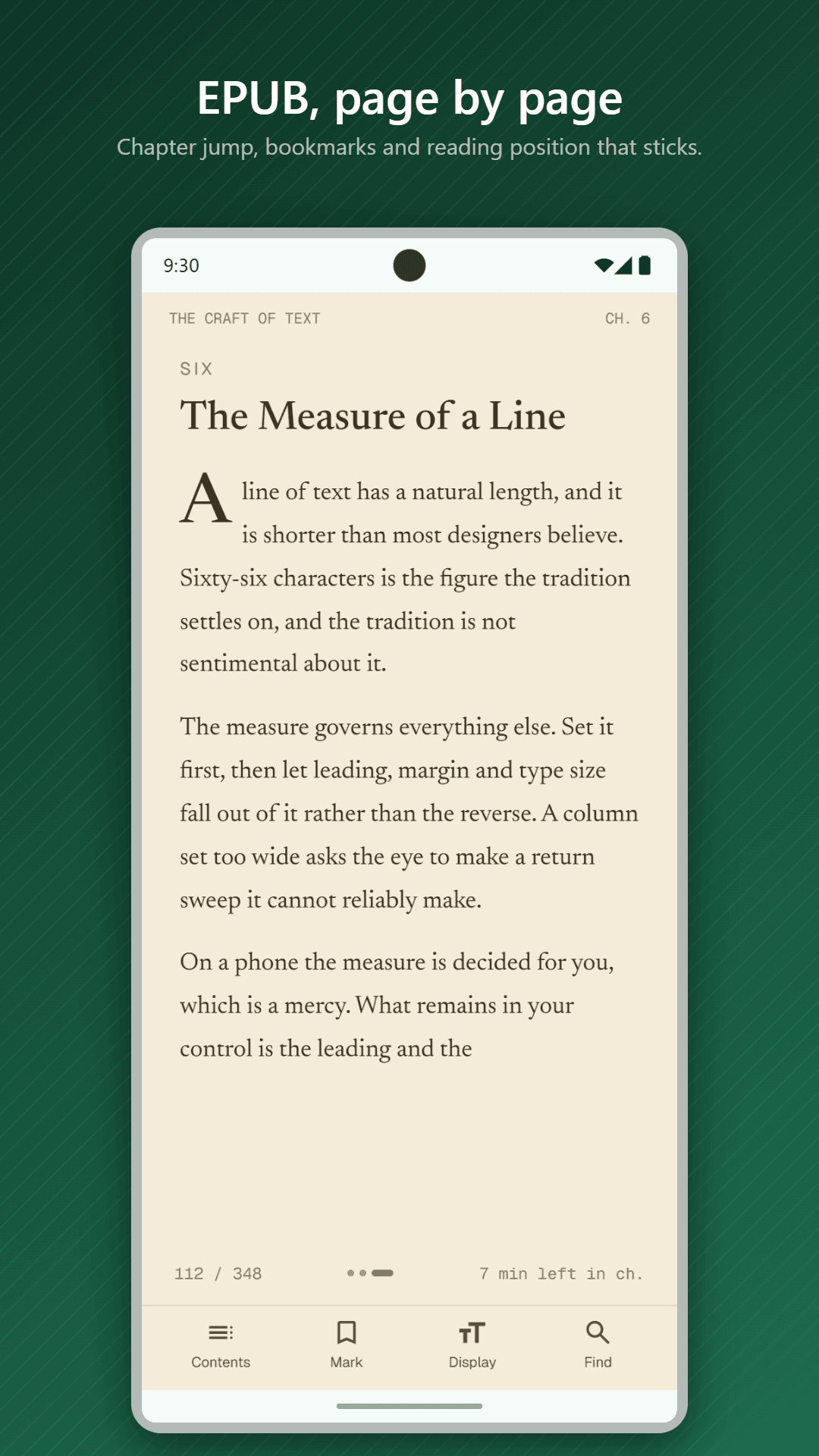
EPUB books that read like books
A paginated reader: swipe or tap the page edges to turn, and move from chapter to chapter without hunting for a button. Pictures and cover plates are shown, and the text stays selectable.
PDFs that open where you left them
PDFs open at their true size with page thumbnails, text search, the document's own outline, and colour inversion for reading at night. Password-protected files are supported.
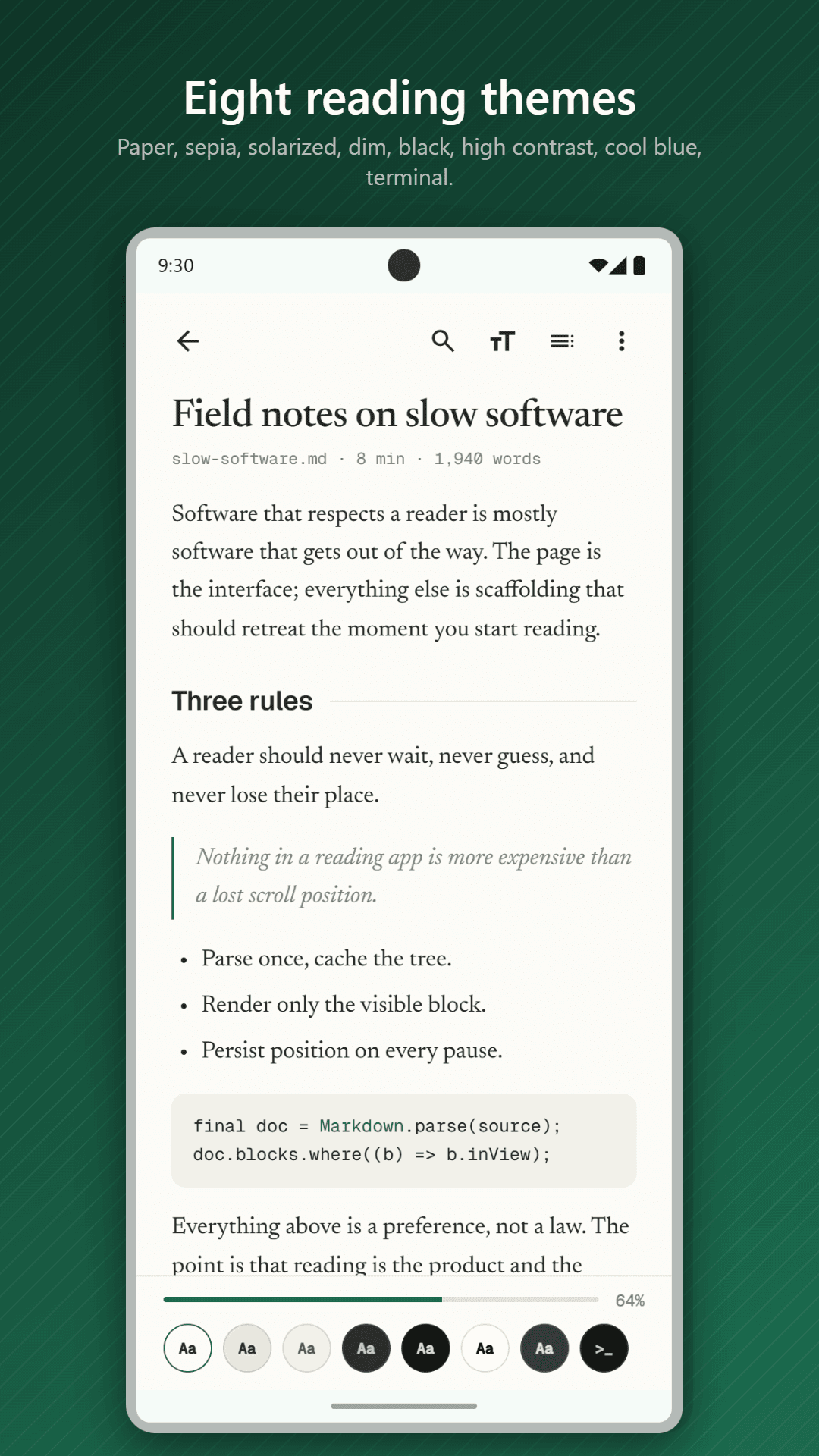
Eight reading themes
Paper, Sepia, Solar, Dim, Black, Contrast, Nord and Terminal, applied to Markdown and EPUB alike, with adjustable text size and line spacing and a choice of serif, sans-serif or monospace type.
Export to PDF, on your phone
Turn a Markdown document into a searchable PDF without it ever leaving your device, choosing the page size, margins, an optional table of contents and page numbers. This is part of Pro.
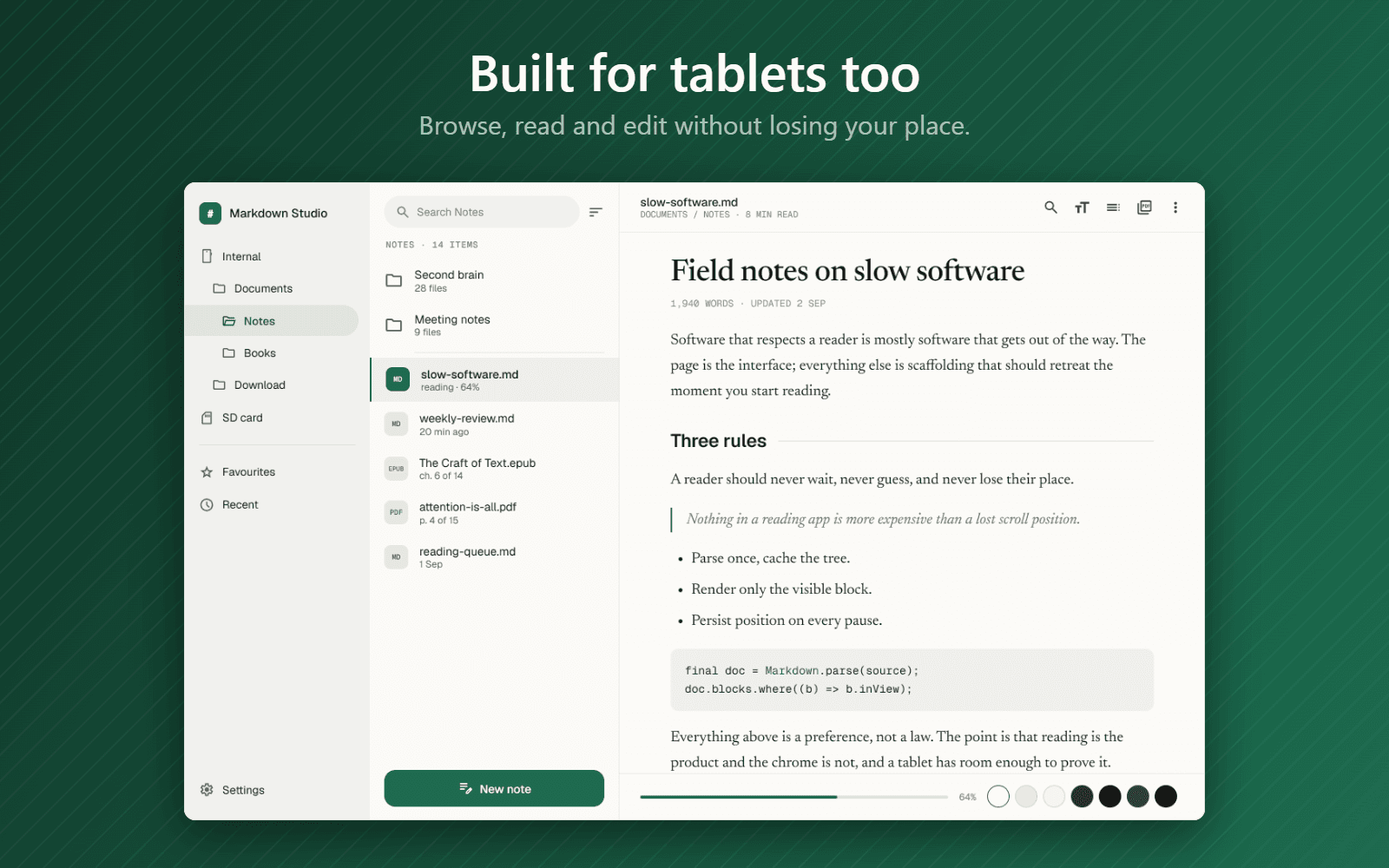
A library that keeps your place
Keep several folders, switch between list and grid, search the folder you are in, and sort or filter by type. Each file shows how far through it you are, and every document reopens exactly where you left it.
No ads, anywhere
No banners, no interstitials, nothing sponsored, and no watching a video to continue. The app is paid for by the people who choose to buy Pro.
A look inside Markdown Studio
Getting started
Install it from Google Play
Reading and editing Markdown, EPUB and PDF is free, and the free version shows no ads.
Add the folders you already use
Point it at the folders where your notes, books and PDFs live. Nothing is copied or moved.
Open files from anywhere
Open a Markdown, EPUB or PDF file with Markdown Studio from any file manager and it goes straight to the page you were on.
Who Markdown Studio is for
People who keep notes in Markdown
Read and edit a folder of notes on your phone without importing them into anything else.
Anyone saving AI chat exports
Open Markdown saved from AI chat tools with its maths and symbols repaired, rather than broken.
Readers with an EPUB library
Read books in a proper paginated reader, with themes that suit long sessions.
People who move between phone and PC
The same app is on Windows as Markdown Room, so your documents look the same in both places.
Markdown Studio at a glance
- Platform
- Android
- File types
- Markdown (.md, .markdown, .mdx, .mdown, .mkd), EPUB, PDF
- Editing
- Markdown, with automatic saving
- Reading themes
- Eight. Paper and Dim are free.
- Export
- Markdown to PDF, on your device (Pro)
- Ads
- None
- Account
- Not required
- Price
- Free. Pro is a single payment, never a subscription.
- Also available as
- Markdown Room for Windows
Frequently asked questions
Is Markdown Studio free?
Yes. Reading and editing Markdown, EPUB and PDF is free, along with the Paper and Dim themes, one light and one dark. The free version is the whole app rather than a trial, and it shows no ads.
What does Pro add?
The other six reading themes and Export as PDF. Pro is a single payment, never a subscription.
What files can Markdown Studio open?
Markdown files (.md, .markdown, .mdx, .mdown and .mkd), EPUB books and PDFs.
Does it upload my documents?
No. Documents are read from and saved to your own folders and are never uploaded. The app only goes online when you open a link, or when a document shows a picture from the web, and that can be switched off in Settings.
Does it move my files into its own library?
No. You point it at folders you already use and your files stay exactly where they are. Edits are saved back to the original files.
Are there ads?
No. There are no banners, no interstitials and nothing sponsored anywhere in the app.
Does it open password-protected PDFs?
Yes.
Is there a version for Windows?
Yes. The same app is available on Windows as Markdown Room, from the Microsoft Store.
A quiet place to read and write, on your phone.
Get it on Google PlayMore from AfterMango
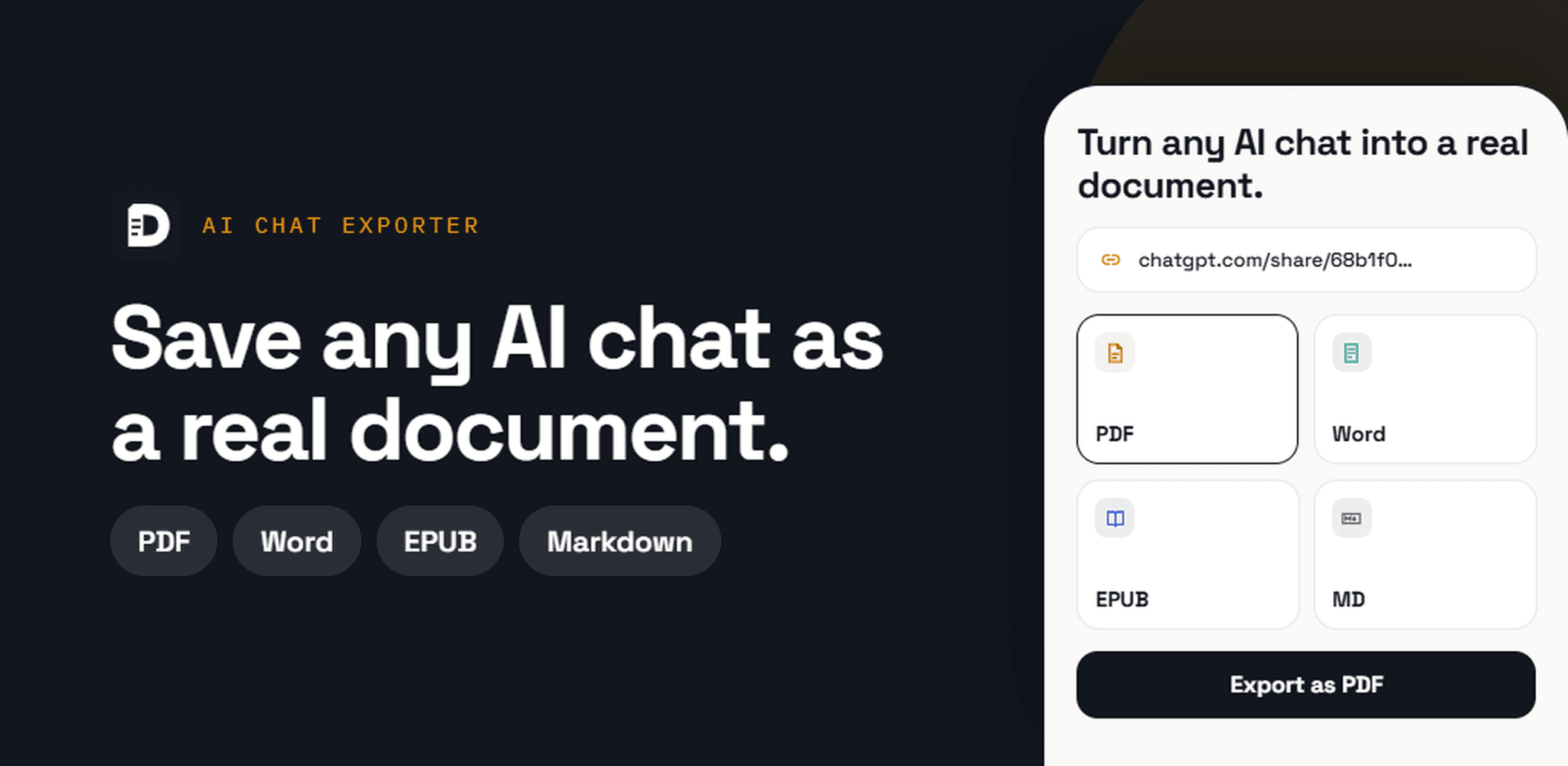
AI Chat Exporter
Turn ChatGPT, Claude and Gemini chats into PDF, Word or Markdown on your phone.
Learn more→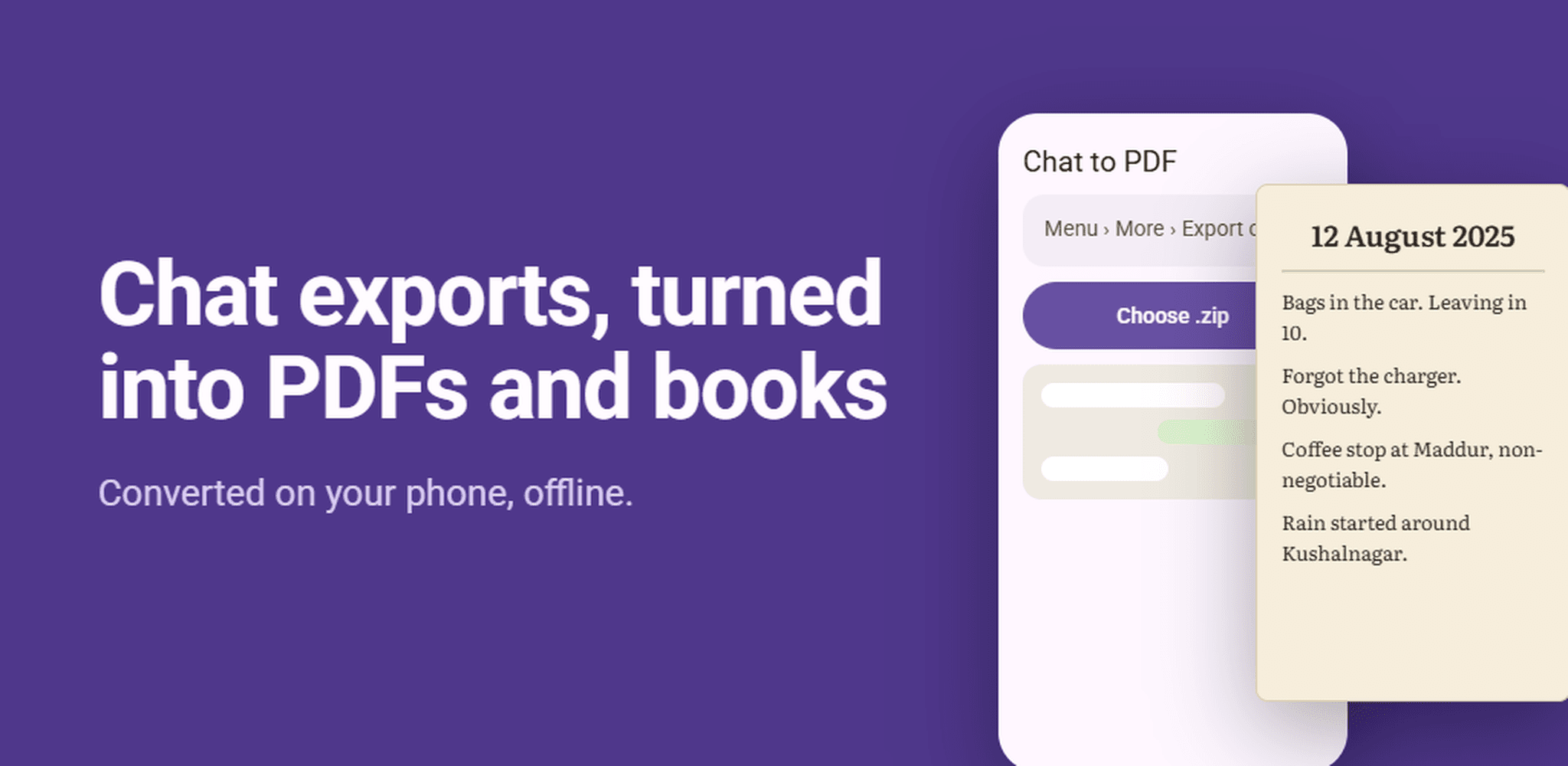
Chat to PDF
Save WhatsApp chats as a PDF or EPUB book, right on your phone.
Learn more→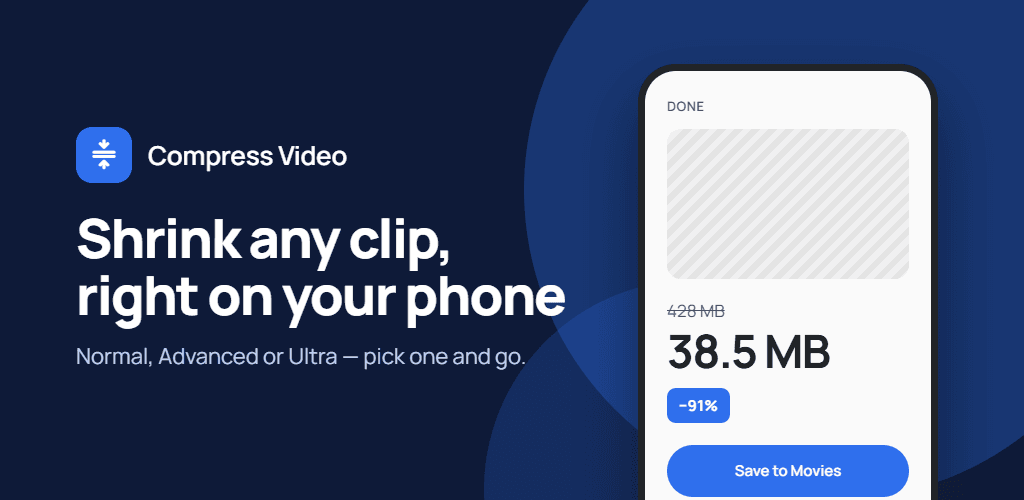
Compress Video
Make large videos small enough to share, send or store, without uploading them.
Learn more→
Markdown Room
Read and write Markdown, EPUB, and PDF files in one private workspace.
Learn more→