Keep the useful parts of the web.
Clean, dependable exporters for AI conversations, rich answers, video transcripts, and newsletter posts.
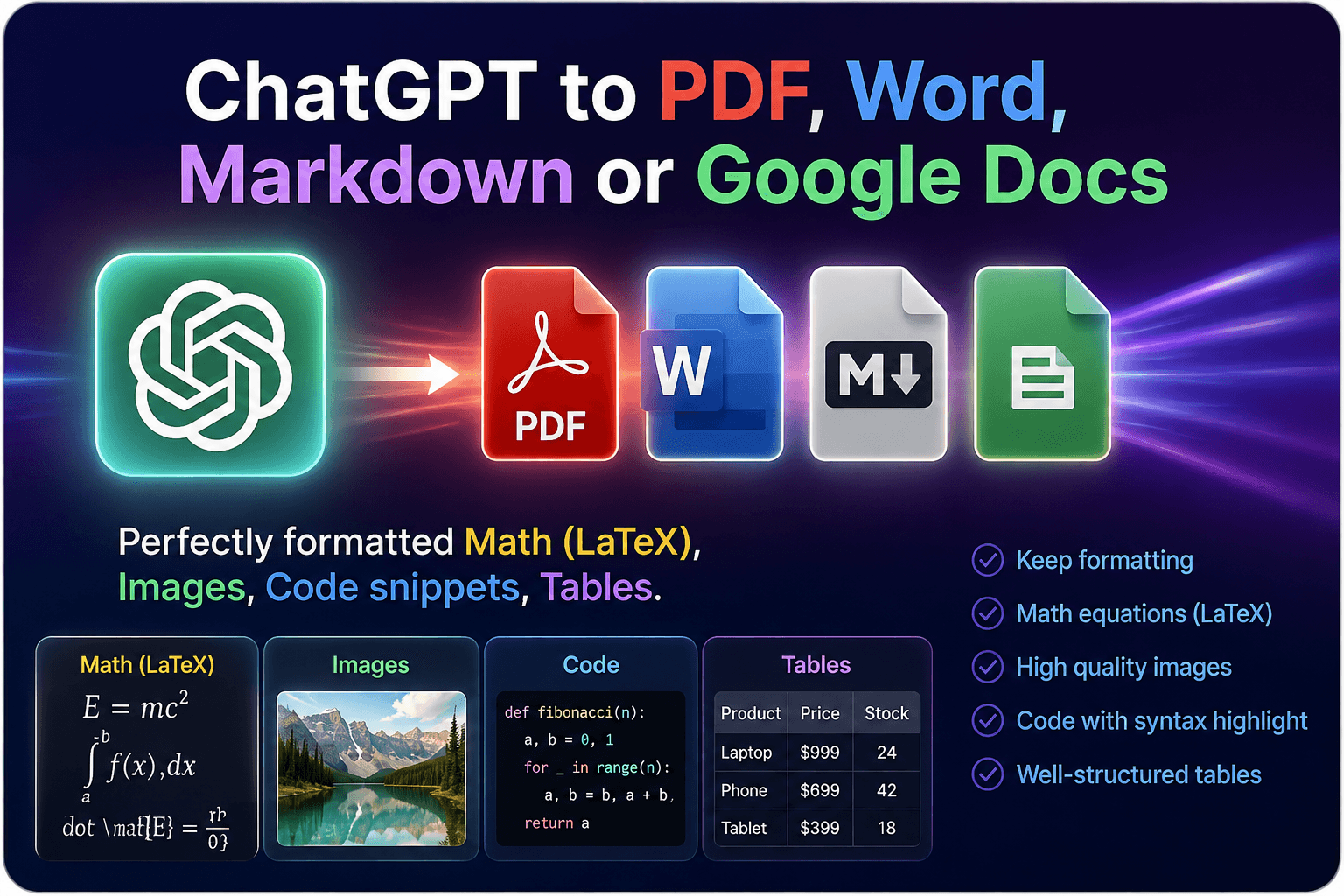
ChatGPT to PDF, Word & Markdown
Turn complete conversations into clean, useful documents.
Visit gptsexporter.com↗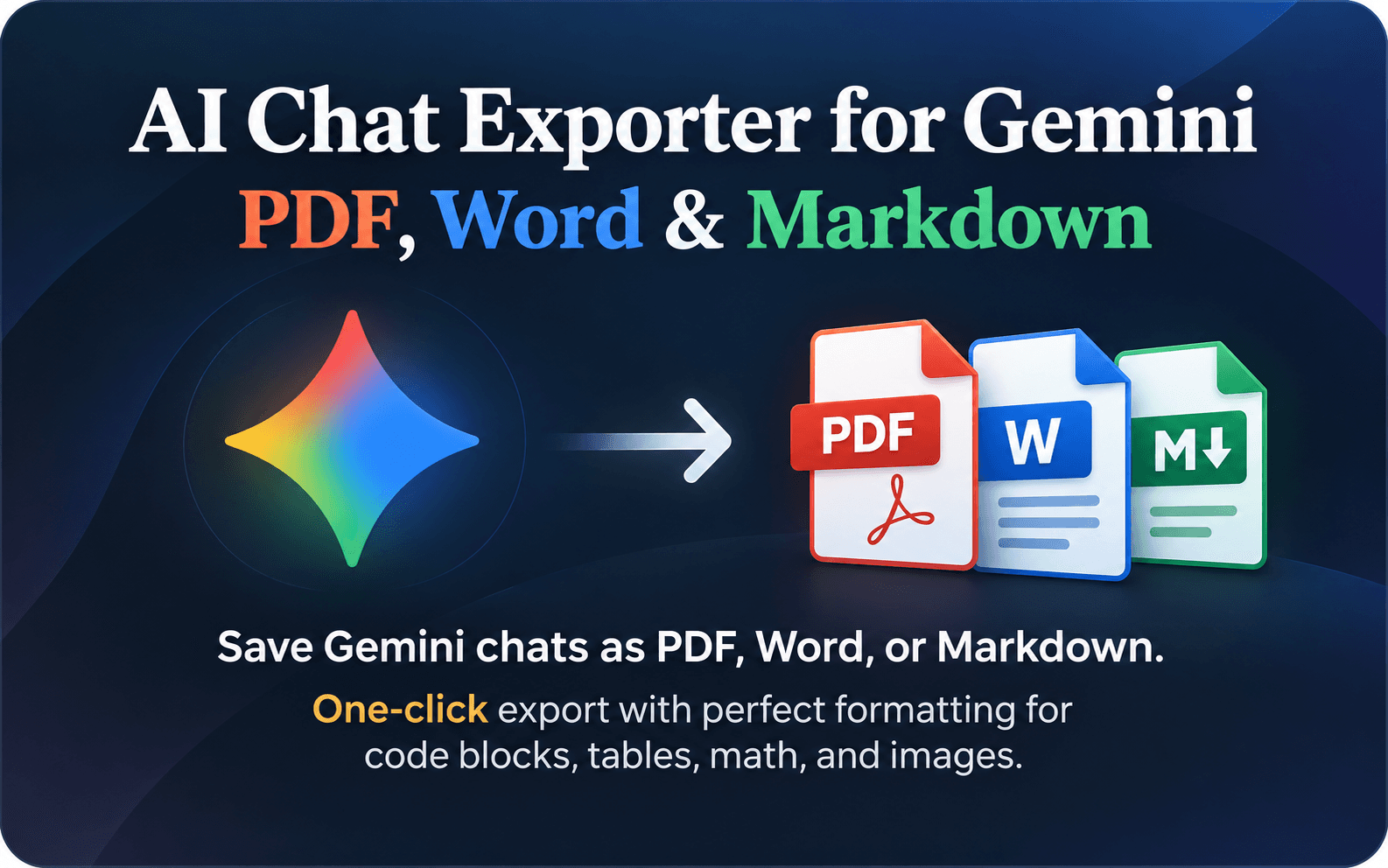
AI Chat Exporter for Gemini
Keep rich Gemini conversations intact when you export them.
Visit aisave.gptsexporter.com↗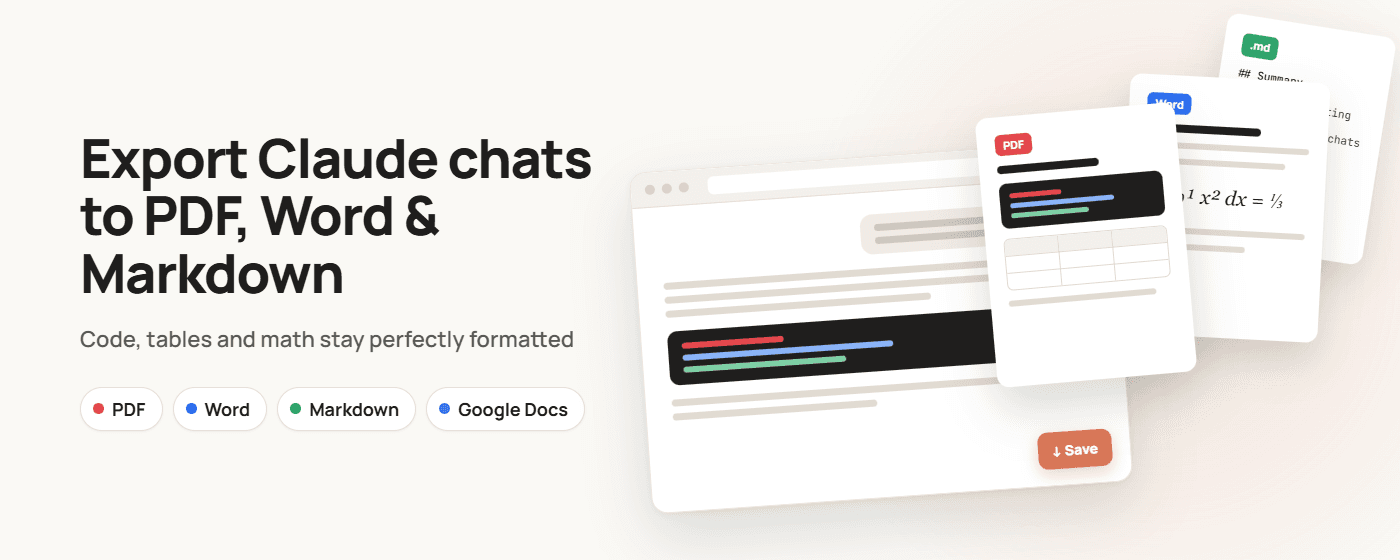
Claude to PDF, Word & Markdown
Turn long Claude chats into documents worth keeping.
Visit ai.gptsexporter.com↗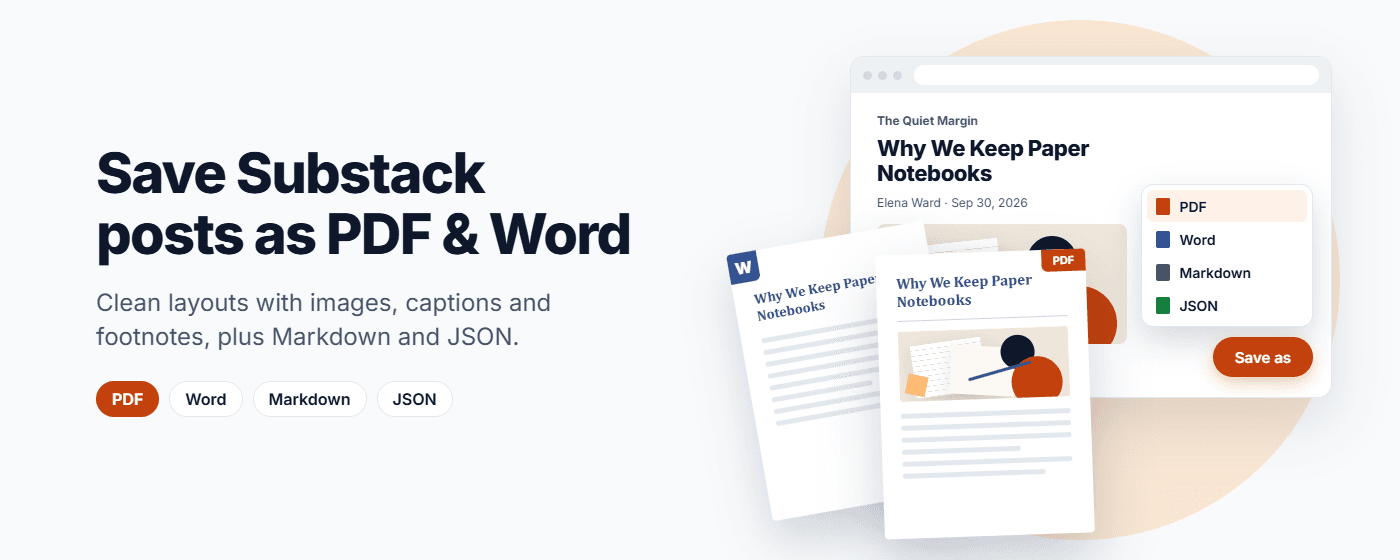
Substack to PDF & Word
Keep the posts you want to read again.
View on Chrome Web Store↗YouTube Transcript Exporter
Save the useful part of any video for later.
View on Chrome Web Store↗Save ChatGPT, Claude and Gemini chats as PDF, Word and Markdown.
AI chats hold answers worth keeping: code, research, tables, plans. These browser extensions turn a conversation into a real document you can keep, share or print, without copying and pasting and losing the formatting. They are built by the team behind gptsexporter.com.
ChatGPT to PDF
ChatGPT to PDF adds a Save button to ChatGPT. Export a whole conversation or only the messages you pick, and code blocks, tables, images and math (LaTeX) keep their formatting. The step-by-step guide shows how to save a ChatGPT conversation as PDF.
Export ChatGPT to Word and Google Docs
The same extension can export ChatGPT to Word with headings, lists and tables intact, send a chat straight to Google Docs, or save it to Google Drive. ChatGPT to Markdown is there too, for notes apps and docs folders. It works in Chrome and Firefox.
Claude to PDF, Word and Markdown
Claude to PDF, Word & Markdown exports Claude conversations, artifacts included, as PDF, Word, Markdown or Google Docs, with typography designed for reading long chats. It is available for Chrome and Firefox.
Gemini to PDF
AI Chat Exporter for Gemini saves Gemini chats as PDF, Word or Markdown in one click, keeping images, tables, code blocks, citations and math as Gemini showed them.
YouTube transcript to PDF and Substack to PDF
YouTube Transcript Exporter turns a video’s available transcript into a PDF or Markdown file, with timestamps when you want them. Substack to PDF & Word saves any Substack post as PDF, Word, Markdown or JSON with its images, captions and footnotes. Paid posts you subscribe to are saved in full, and Markdown and JSON are made in your browser.
An AI chat exporter for your phone
No extensions on your phone? On Android, AI Chat Exporter turns a ChatGPT, Claude or Gemini share link into PDF, Word, Markdown or EPUB.