AI Chat Exporter
Export ChatGPT, Claude and Gemini conversations to PDF, Word or Markdown on Android. Paste a share link and get a clean document in seconds.
Get it on Google PlayOpens the official store listing.No account or email address needed to use the app. Read the privacy policy for this app.
Take it with you.
Scan the code with your phone to open the official Google Play listing.
Get it onGoogle PlayWhat is AI Chat Exporter?
AI Chat Exporter is an Android app that turns ChatGPT, Claude and Gemini conversations into PDF, Word or Markdown files. You create a public share link for a conversation in your AI app, paste it into AI Chat Exporter, choose a format, and get back a clean document you can read offline, edit, print or send.
It exists because saving a single AI conversation as a proper document is awkward on a phone. Copying and pasting loses the structure that made the answer useful in the first place: the code blocks, the tables, the lists. AI Chat Exporter keeps that structure intact.
What AI Chat Exporter does
ChatGPT to PDF
Convert a ChatGPT conversation into a well-formatted PDF that is ready to print, archive, or share with a colleague, classmate or client.
Claude to PDF and Word
Save a Claude conversation as a polished PDF, or as a fully editable Word document with its code blocks and tables kept in place.
Gemini to PDF, Word or Markdown
Paste a public Gemini chat link and download the conversation in whichever of the three formats you need.
Editable Word documents
Export to Word when the answer is a first draft rather than a finished one, so you can rewrite, restructure and reformat it like any other document.
Markdown for your notes
Markdown exports drop straight into GitHub, Notion or Obsidian, which suits developers and anyone who keeps their notes in plain text.
Formatting that survives
Code blocks, tables, bullet lists and images come through as they appeared in the original conversation, instead of collapsing into a wall of text.
Share from your phone
Send the finished file through WhatsApp, Gmail, Google Drive or any other app on your phone in a single tap.
Any public web page, too
The same approach works beyond AI chats. Paste any public web URL and turn the page into a PDF, Word or Markdown document.
PDF tools when you need them
Merge, split, watermark, protect and reorganise PDF files in the same app, without reaching for a separate PDF editor.
A look inside AI Chat Exporter
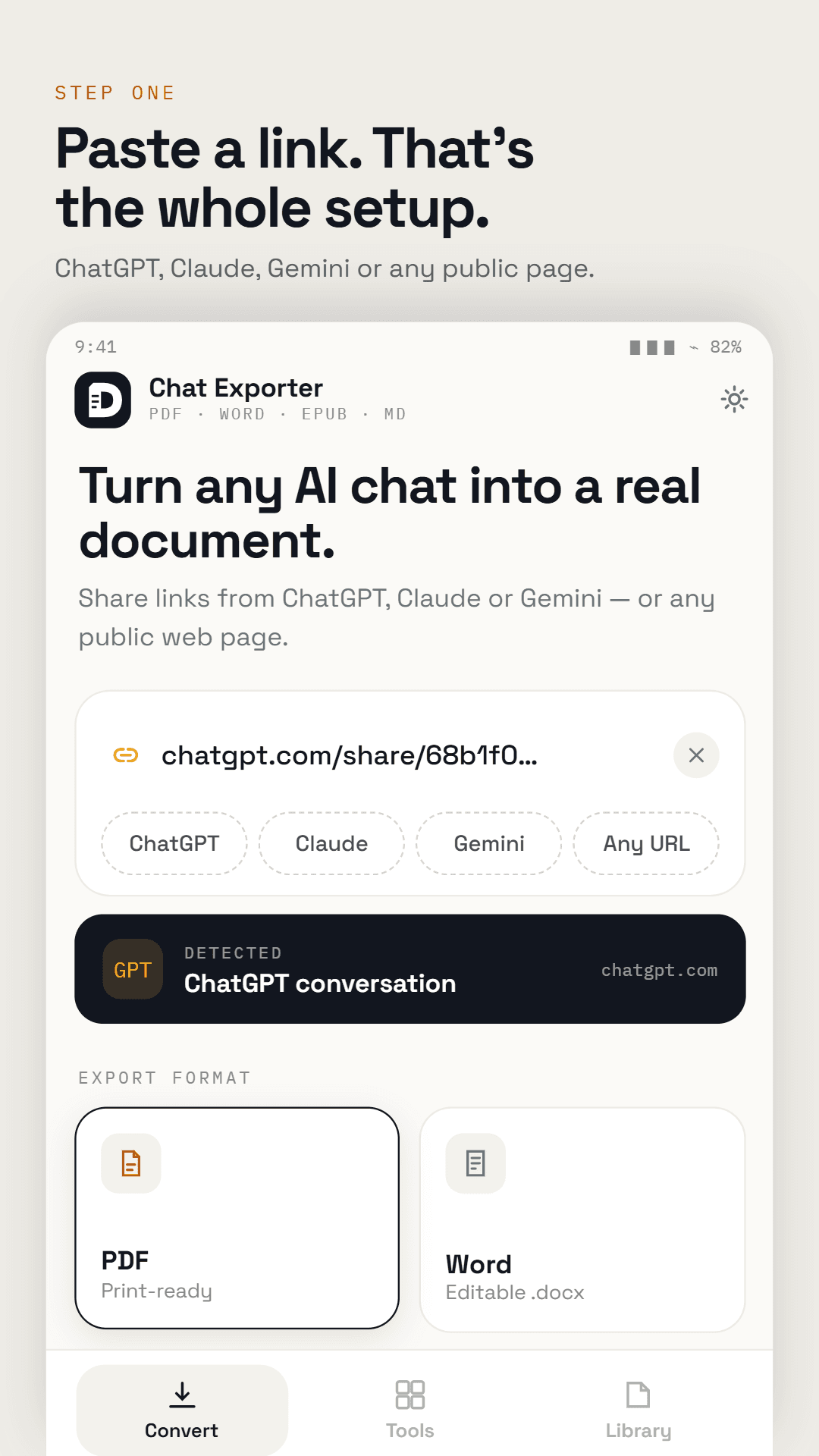
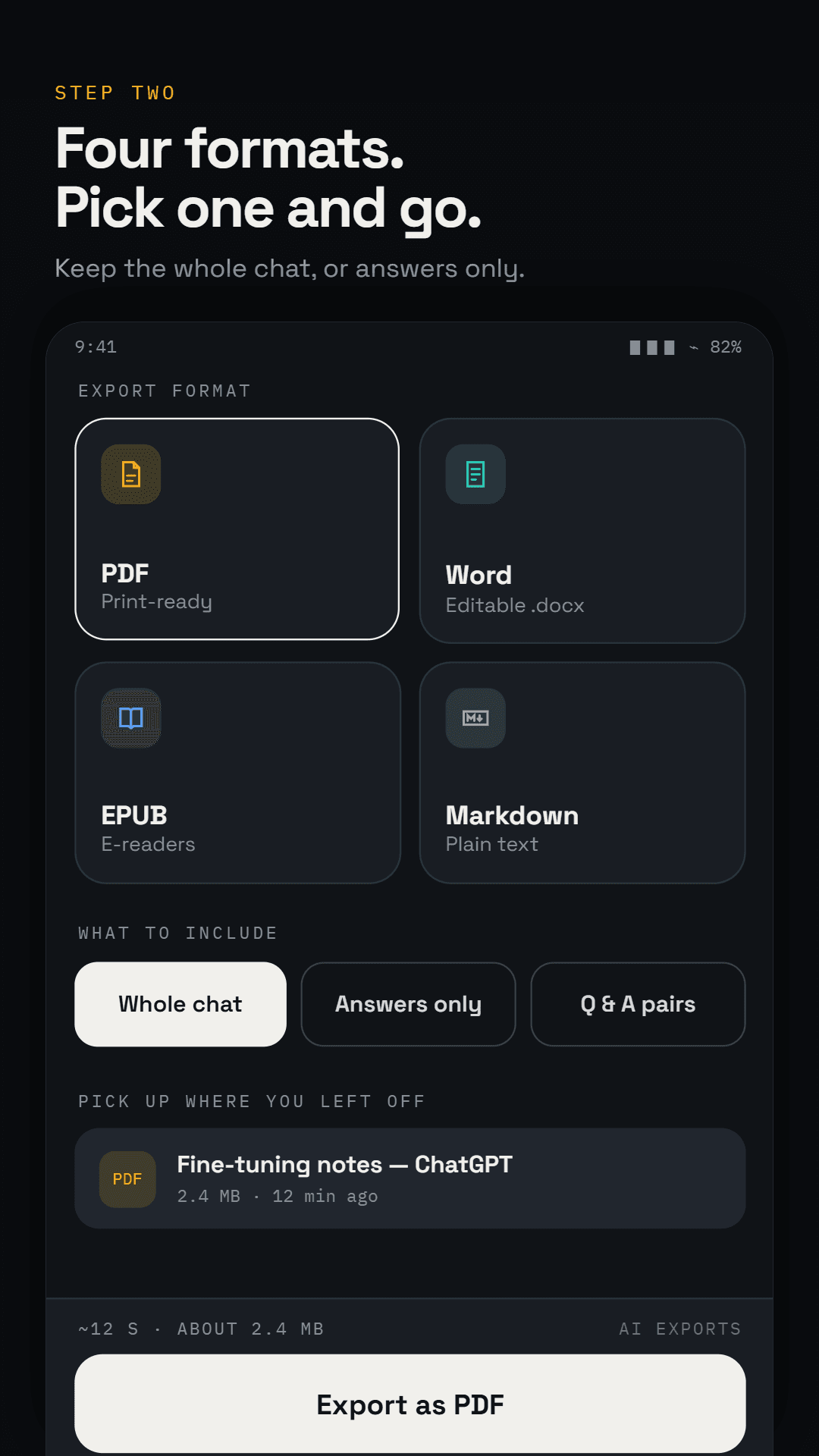
How it works
Create a share link
Open the conversation in ChatGPT, Claude or Gemini and use its Share option to create a public link.
Paste it into AI Chat Exporter
Copy the link, open AI Chat Exporter and paste it in.
Choose a format
Pick PDF for reading and printing, Word for editing, or Markdown for notes and code.
Save or share the file
Open the finished document, or send it to any app on your phone.
Who AI Chat Exporter is for
Students and researchers
Keep study sessions, research notes and AI explanations as documents you can come back to, annotate and cite.
Professionals and freelancers
Archive client briefs, brainstorming sessions and AI-written drafts in a format you can file or forward.
Writers and creators
Move AI-generated material into Word or Markdown for editing and publishing, without reformatting it by hand.
Developers
Turn coding conversations into clean Markdown for a repository, a wiki or your notes app.
Teachers
Save AI-assisted lesson material as PDFs that are easy to hand out and share.
AI Chat Exporter at a glance
- Platform
- Android
- Works with
- ChatGPT, Claude and Google Gemini
- Export formats
- PDF, Word (.docx), Markdown (.md), EPUB
- Input
- A public share link to an AI conversation, or any public web URL
- PDF tools
- Merge, split, watermark, protect and reorganise
- Account
- Not required
- Connection
- Internet required. Conversion runs on our servers.
- Price
- Free, with ads
Frequently asked questions
How do I export a ChatGPT conversation to PDF on Android?
Open the conversation in ChatGPT and use Share to create a public link. Paste that link into AI Chat Exporter and choose PDF. The same steps work for Claude and Gemini, and for Word or Markdown output.
Why does it need a share link?
The share link is how the app reads the conversation. AI Chat Exporter never asks you to sign in to ChatGPT, Claude or Gemini, so it only ever works with the one conversation you chose to share.
Can other people see a shared conversation?
A public share link can be opened by anyone who has it. If you would rather not leave it live, most AI assistants let you delete shared links from their settings once your export is done.
What happens to my conversation after I export it?
The link and its content are sent to our servers to build your document, then deleted once the file has been generated. Conversations are not stored or logged. The privacy policy for the app has the full detail.
Do code blocks and tables survive the export?
Yes. Code blocks, tables, bullet lists and images are kept as they appear in the original conversation.
Do I need an account?
No. There is no sign-up, no sign-in and no email address to provide.
Does it do anything besides AI chats?
Yes. It can turn any public web page into a PDF, Word or Markdown document, and it includes PDF tools to merge, split, watermark, protect and reorganise PDF files.
Is AI Chat Exporter free?
Yes. It is free to use and supported by ads.
Is it made by OpenAI, Anthropic or Google?
No. AI Chat Exporter is an independent app. It is not affiliated with, endorsed by or sponsored by OpenAI, Anthropic or Google.
Keep the conversations worth keeping.
Get it on Google PlayMore from AfterMango
Chat to PDF
Save WhatsApp chats as a PDF or EPUB book, right on your phone.
Learn more→
Markdown Studio
Read and write Markdown, EPUB and PDF files on your phone, with no ads.
Learn more→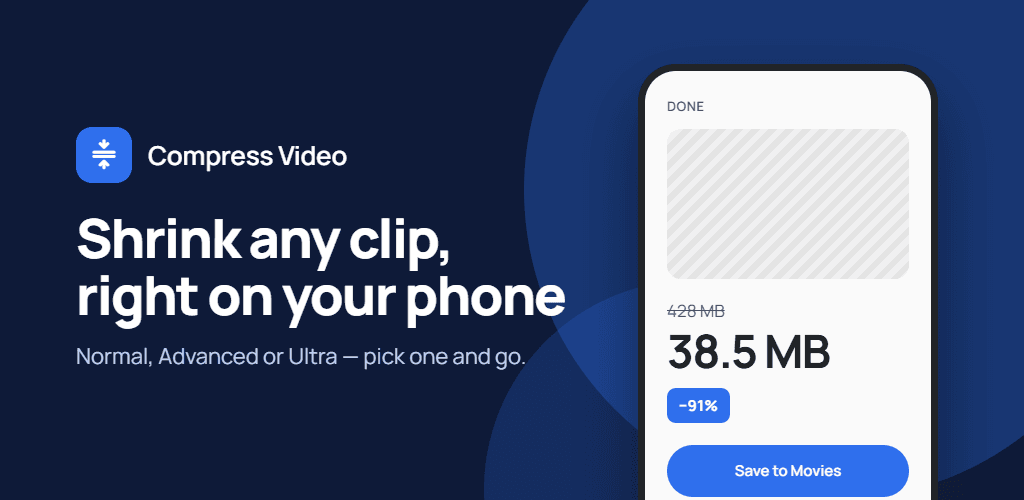
Compress Video
Make large videos small enough to share, send or store, without uploading them.
Learn more→
Markdown Room
Read and write Markdown, EPUB, and PDF files in one private workspace.
Learn more→